Downloads
Download eHubt apps from one simple page.
Find the correct eHubt app for employees, managers, tablet attendance, e-Tasks and screen ads. Use the direct links below to download from Google Play, Apple App Store or Amazon Appstore where available.
One download page for every eHubt app
Each card below includes a short description, clear device use and direct download links for the stores currently available for that app.
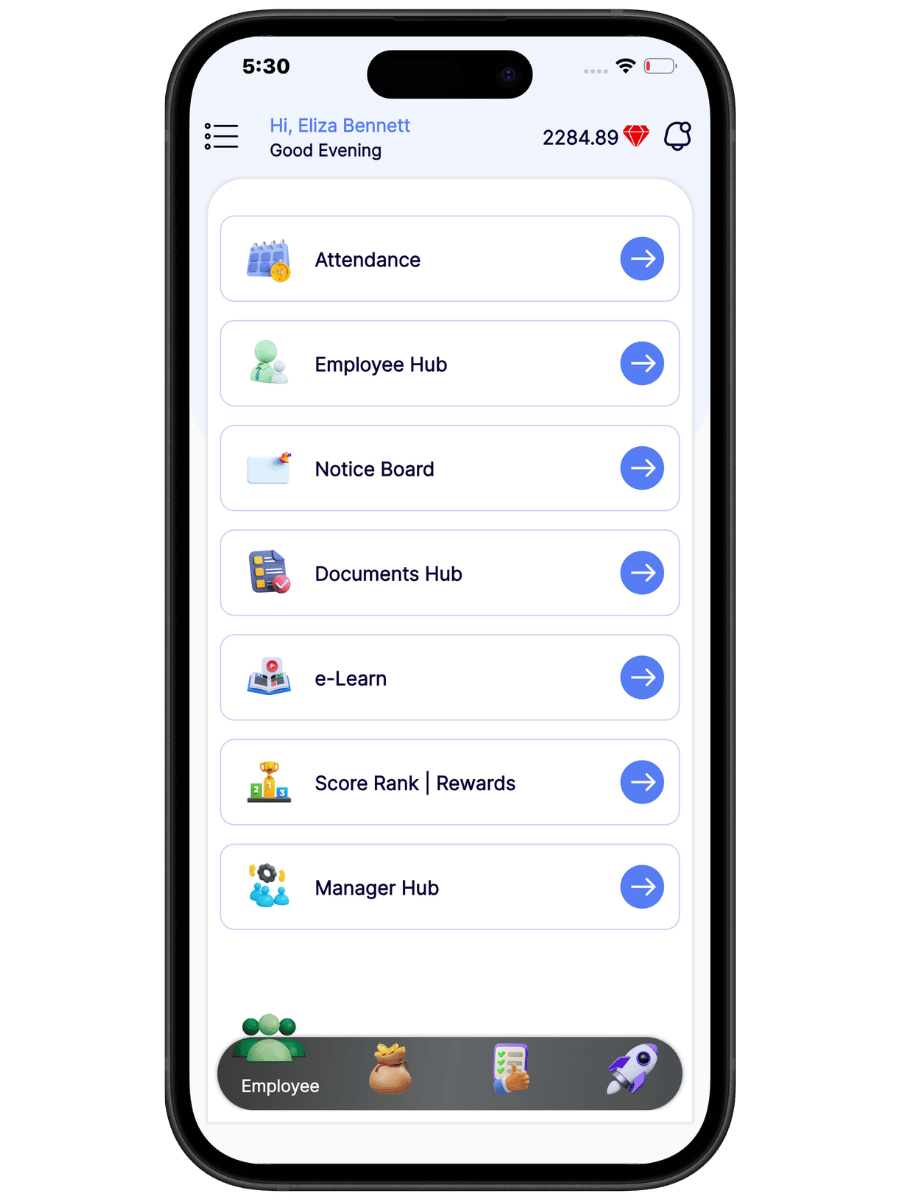
eHubt Employee & Manager App
One single app for employees and managers. Employees can view schedules, request holidays, swap shifts and access training, while managers can stay connected with team activity and daily operations.
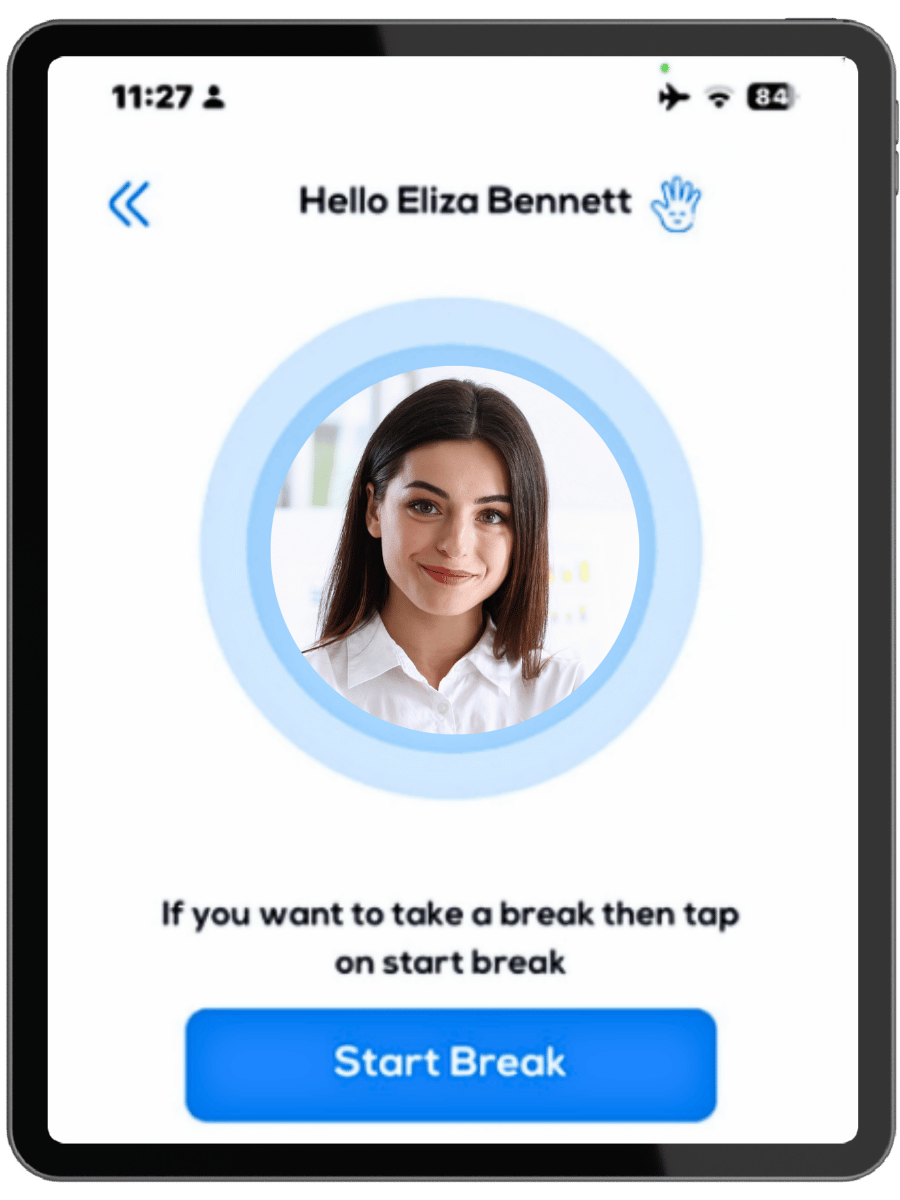
eHubt Tablet Attendance App
Secure tablet app for fixed locations so staff can clock in, clock out, start breaks and finish breaks using staff ID and PIN.
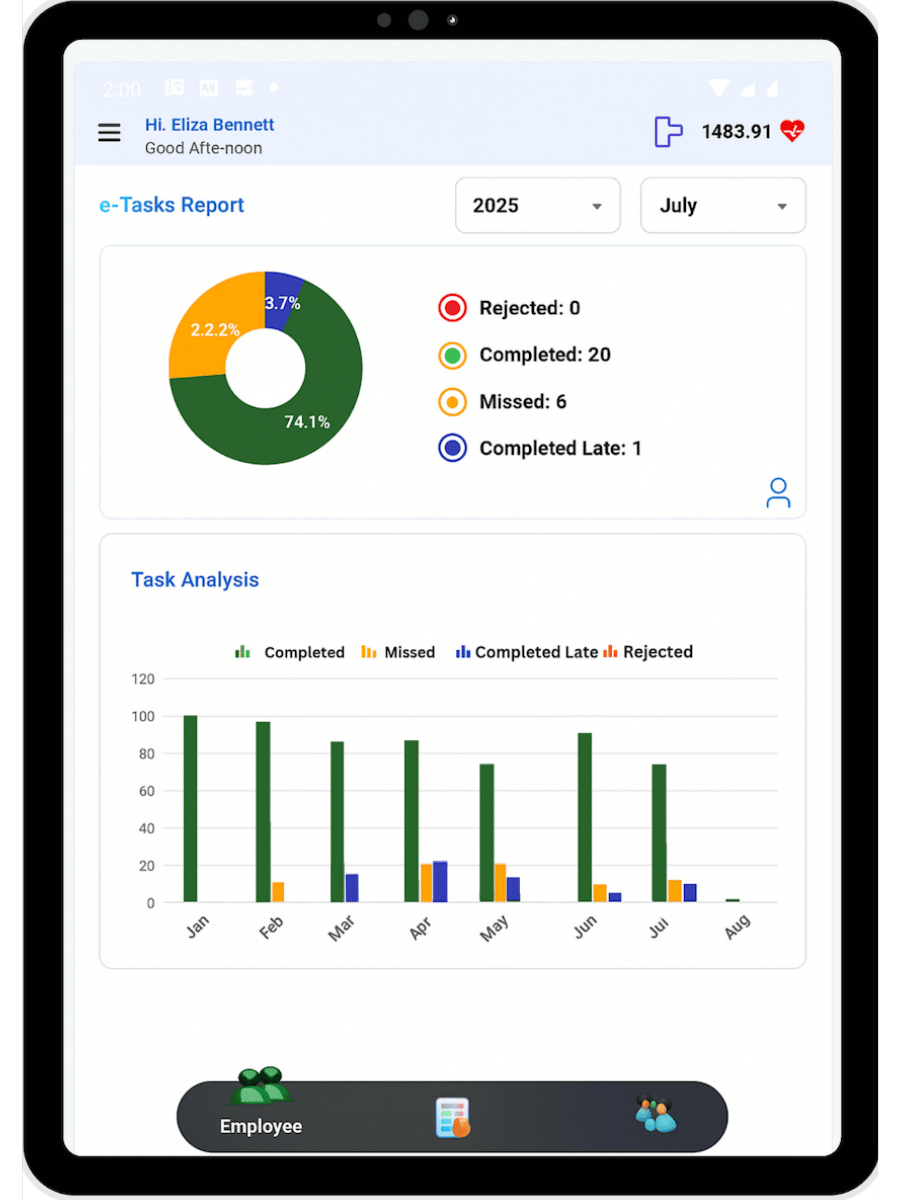
eHubt e-Task App
For checklist completion, task reports, late or missed task visibility, performance tracking, manager tools and evidence-based compliance records.

eHubt Screen Ads App
Turn supported screens or TVs into remotely managed advertising displays for videos, images and scheduled promotional content.
Designed for every eHubt user and device
The download page helps staff, managers and business owners quickly find the correct app without searching across different stores.
Download eHubt apps with confidence
Which eHubt app should employees and managers download?
Employees and managers should download the single eHubt Employee App. It supports employee self-service features and manager visibility from one app.
Which app is used for tablet clocking in?
Use the eHubt Tablet Attendance App for fixed-site attendance, clock-ins, clock-outs and break tracking on a shared tablet device.
Which app is used for checklists and compliance?
The eHubt e-Task App is used for tasks, checklists, proof, manager review, performance tracking and operational compliance records.
Can users download from different stores?
Yes. Depending on the app, users can download from Google Play, the Apple App Store or Amazon Appstore using the direct links on this page.
Need help choosing the right eHubt app?
Contact the eHubt team and we will guide you to the right download link for employees, managers, tablets or display screens.
Contact Us


